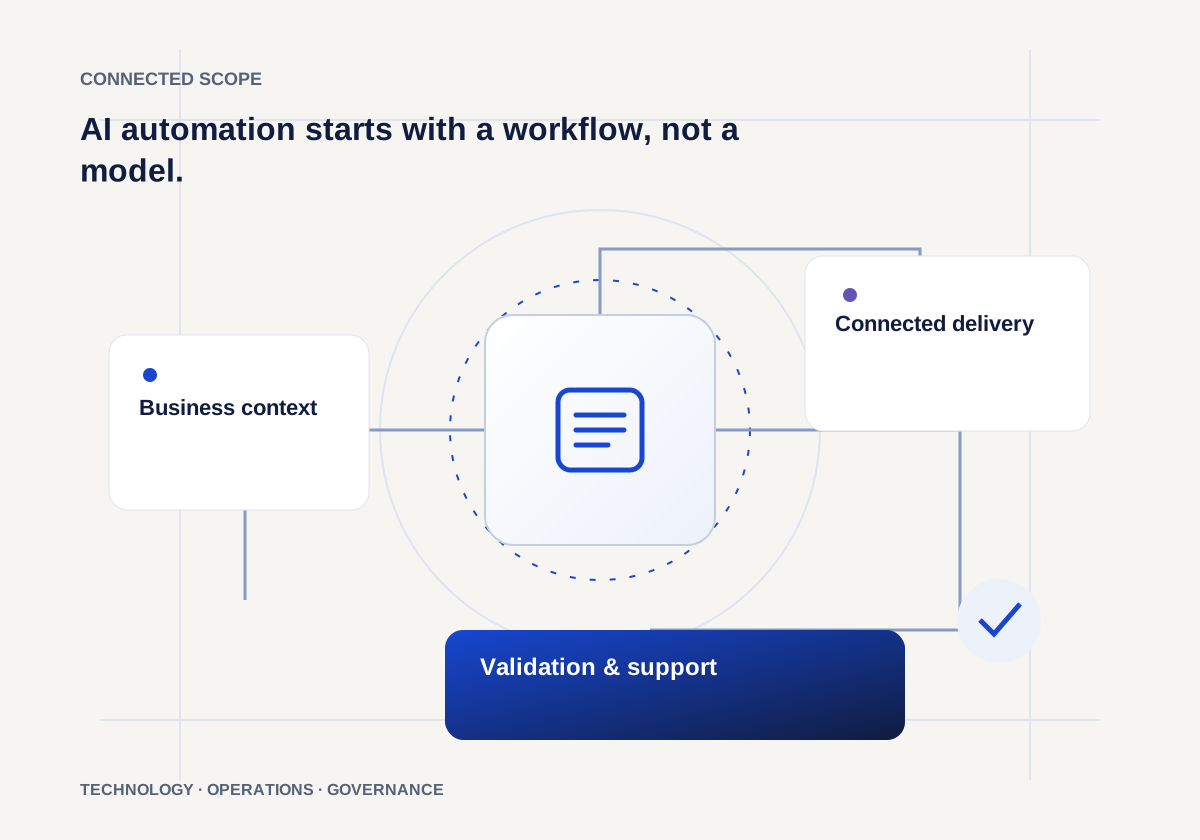
Find the handoff that keeps slowing people down
An invoice waiting for approval. A lead copied into three tools. A support request that reaches the wrong person. These are useful starting points because the work, the owner and the delay are visible.
Map what starts the process, which information it needs, what the next person does and where exceptions appear. A clear workflow makes it easier to decide whether rules, an integration or an AI assistant will help.
Decide what the automation is allowed to do
Separate preparing a recommendation from taking an action. An assistant can extract invoice fields while a finance colleague approves payment. A sales workflow can prepare a message while an account owner reviews it before sending.
Define permissions, validation, escalation and an activity record before connecting production systems. Plan a route for missing information, uncertain outputs and failed integrations. A useful automation makes these exceptions visible.
Measure the whole process
Start with a baseline: turnaround time, manual touches, rework and exception volume. Agree what should improve and who will review the results. Speed alone tells you little if the next team has to correct the output.
Pilot with a contained workflow, review real examples and improve the controls before extending the scope. The goal is a more dependable working day, with people able to understand and supervise the system.